Hyduri Bar
Every app,one bar.
A slim rail on the right edge of your screen holds every Hyduri app you have. Open any of them, see what's running at a glance, and sign in once for all of them.
Every app in one place
Capture, Prompts, Sort, Code and Vault live in one rail instead of five floating buttons. Apps you don't have yet show with a plus.
See what's running
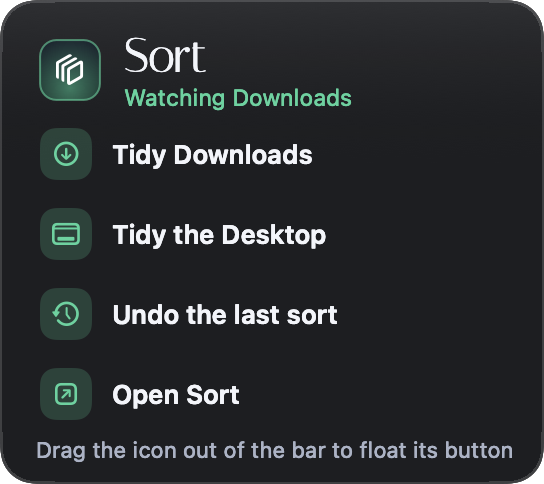
A small dot shows Vault syncing, Sort watching a folder, or Capture recording, so you know without opening anything.
Quick actions
Hover an app for its everyday actions, like Tidy Downloads or Capture now, so you rarely need a full window.
Sign in once
Sign in to your Hyduri account in the bar and every app signs in too, with its licence filled in for you.
Out of your way
It slides almost out of sight until you reach the edge, and gives windows their room back when it tucks away.
Light, dark and Arabic
It follows your Mac's look, works fully from the keyboard and with VoiceOver, and reads right to left in Arabic.
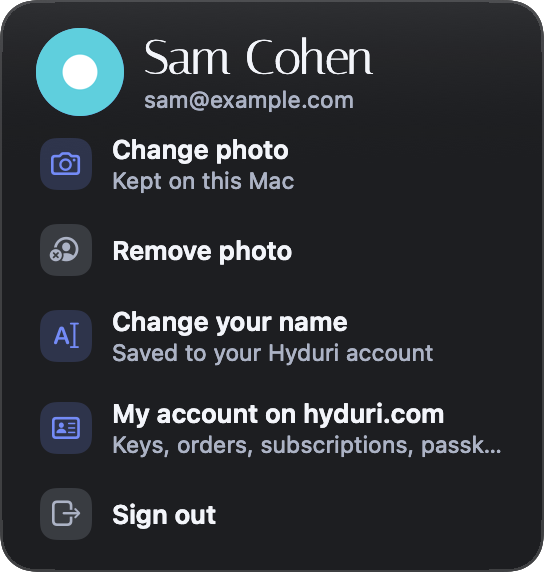
One account
Everything you own, at a glance
Your apps, keys and subscriptions sit in one card, with what you could add next.

No surprises
Gentle when a payment fails
If a card payment fails, the bar tells you calmly and gives you one button to fix it. Paid-once apps never lock.
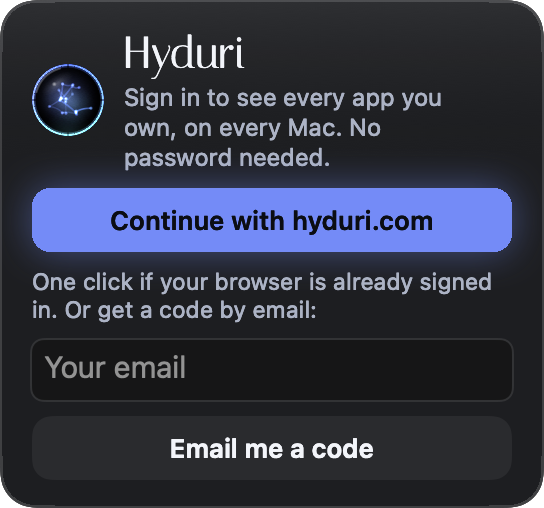
Sign in
An email code, and you're in
No password to remember. Type the 6-digit code from your email, and every app on this Mac is signed in.
Free
Free with every Hyduri app
The bar costs nothing. It's simply the home for the Hyduri apps you already have.
With any Hyduri app, on macOS 14 or later.
Good to know
Does it take space from my windows?
Only while it's out. It tucks almost out of sight, and windows it nudged aside grow back when it tucks away.
Do I need all the apps?
No. It shows the apps you have, and offers the rest with a plus.
Do I have to sign in?
No. Every app works without an account. Signing in just brings everything together.
Which Macs?
macOS 14 or later, on Apple silicon and Intel.